
You have a beautiful product page. Professional models. Studio lighting. Perfect angles. But your conversion rate is stuck at 1.5%. You look at your reviews. You see photos from real customers. A woman in her kitchen, smiling, wearing your dress. The lighting is bad. The angle is a mirror selfie. But she looks happy. She looks real. You realize that her photo is more powerful than your $5,000 photoshoot. Because when a potential customer sees her, they do not see a model. They see themselves. They think, "She looks like me. If it looks good on her, it will look good on me." This is the power of User Generated Content (UGC). But how do you get it? How do you legally use it? And how do you display it without making your site look messy?
Seamlessly incorporating User Generated Content into apparel marketing requires building a systematic “Rights-Managed Acquisition and Placement Strategy.” The process involves four key components. First, “Incentivized Acquisition.” You must create a frictionless way for customers to submit photos, usually through a post-purchase email sequence offering a discount or loyalty points in exchange for a review with a photo. Second, “Explicit Rights Management.” You must obtain clear, documented permission to use the photo in your marketing. A simple checkbox during the review submission process stating “I agree to allow [Brand Name] to use this photo in marketing” is legally essential. Third, “Curated Placement.” UGC should not just sit on a separate “Gallery” page. It must be integrated into the shopping flow: on the Product Detail Page (PDP) next to the size selector, in Abandoned Cart emails, and in Paid Social Ads. Fourth, “Visual Cohesion.” To prevent the site looking cluttered, use a consistent frame or overlay on UGC images to give them a branded, editorial feel despite the amateur photography.
At Shanghai Fumao, we advise our brand clients to build this UGC flywheel before they even launch production. The fabric and fit must be good enough to earn those kitchen selfies. Let me show you exactly how to turn your customers into your most effective creative team.
Why Does UGC Outperform Professional Studio Photography for Apparel Conversion?
You spend thousands on a photoshoot. The model is 5’10” and a size 2. The lighting is perfect. The image is aspirational. But your customer is 5’4″ and a size 12. She cannot project herself into that photo. She hesitates. She adds to cart. She abandons. Professional photography sells a fantasy. UGC sells reality. And in apparel, reality is what fits and flatters. When a customer sees a photo of someone with a similar body shape wearing the garment in a normal environment, the mental barrier to purchase collapses. They stop guessing how the fabric drapes. They see it. They stop wondering if the color is true. They see it in natural light. UGC is the ultimate size and fit guide.
UGC outperforms professional photography for apparel conversion because it provides “Social Proof of Fit” and “Contextual Relevance.” Professional imagery is often viewed with subconscious skepticism. The customer knows the garment has been pinned, clipped, and retouched. UGC, particularly photo reviews, is perceived as unvarnished truth. The specific conversion benefits include: (1) Reduced Return Rates. A customer who sees the dress on a body like hers buys the correct size and is less likely to return it for “fit issues.” (2) Increased Time-on-Site. Shoppers linger on UGC galleries, scrolling through real people, which signals engagement to search algorithms. (3) Higher Click-Through Rates on Ads. Facebook and TikTok ads featuring UGC consistently outperform polished brand creative by 20-40% because they blend into the native social feed. (4) Authentic Detail Highlighting. A customer photo might show the perfect drape of the sleeve or the exact sheen of the fabric in sunlight, details that a studio shot might obscure.
At Shanghai Fumao, we love seeing our garments in the wild. It validates our construction quality in a way no QC report can.
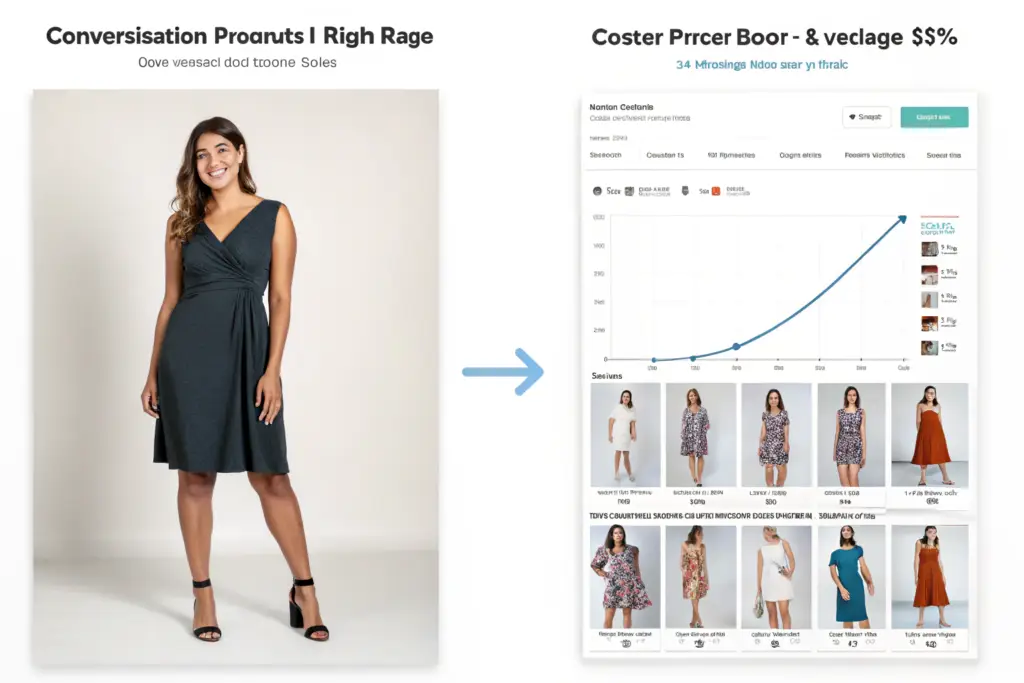
How Does “Visual Body Doubling” Reduce Friction in Size Selection?
This is a specific psychological phenomenon. A shopper sees a model and thinks, “Of course it looks good on her.” They see a customer photo and think, “She’s built like my sister. I know exactly how that will fit me.”
This is “Visual Body Doubling.” The shopper mentally tries on the garment by looking at a proxy body.
To leverage this, you must tag UGC with relevant body attributes. Do not just display the photo. Allow the customer to filter UGC by Height, Size Purchased, and Body Shape.
A widget that says “See photos from customers wearing Size Large (5’6″ – 5’9″)” is incredibly powerful. It creates a personalized fitting room experience.
I analyzed the data for a client’s linen pants product page. The product page had a UGC gallery with size filters. The conversion rate for shoppers who interacted with the “Size Medium” UGC filter was 4.2%. The average conversion rate was 2.8%. The difference was the reduction in fit anxiety. The shopper found a proxy body, confirmed the pants would not be too long, and purchased with confidence.
Why Do UGC Ads Have Lower CPMs on Meta and TikTok?
The algorithms on Meta and TikTok are designed to prioritize “authentic” content. They suppress overly polished, salesy ads. They boost content that looks like it came from a friend.
When you run an ad using a customer selfie instead of a studio shot, the platform recognizes the image as native content. The Cost Per Mille (CPM) drops. The engagement rate rises. The algorithm shows it to more people for less money.
This is not a secret. The largest DTC apparel brands allocate 30-50% of their ad spend to UGC creative. They work with “UGC Creators” (paid actors posing as customers) to generate this content at scale.
But the best UGC is organic. It is a real customer in their messy bedroom with a genuine smile. You cannot fake that energy.
I worked with a client on a sweater knit campaign. We A/B tested a studio shot against a customer photo from a review. The customer photo had a 22% higher CTR and a 35% lower CPA. The photo was technically worse. It was grainy. But it was real. And it converted.
How Do You Build a Legal and Ethical UGC Acquisition Funnel?
You see a great customer photo on Instagram. You screenshot it. You post it on your website. You think you are doing the customer a favor. You are actually exposing your brand to legal liability. You do not own that photo. The customer owns the copyright. Using it without explicit permission is copyright infringement. It can also be a violation of privacy rights. A high volume buyer looking at your site will notice if you are using UGC without attribution or permission. It signals that you cut corners on legal compliance. A trustworthy brand has a clear, documented system for obtaining rights.
Building a legal UGC acquisition funnel requires a multi-layered approach to obtaining “Commercial Usage Rights.” The most robust method is a two-step process. First, “Explicit Opt-In at Submission.” When a customer uploads a photo to your reviews platform or via a campaign landing page, include a mandatory, unchecked checkbox that reads: “I own the rights to this photo and grant [Brand Name] a non-exclusive, royalty-free license to use it in marketing, including on the website, social media, and email.” Second, “Direct Outreach for High-Value Content.” For an exceptional photo found on Instagram, send a Direct Message (DM) or comment asking for permission. Use a specific template: “Hi [Name], we love this photo! Would you be open to us sharing it on our website with credit to you? Reply #Yes[BrandName] to agree.” Save screenshots of these permissions. Never assume a tagged photo implies consent for commercial use.
At Shanghai Fumao, we ensure our brand clients understand that intellectual property applies to their marketing assets as much as their product designs.
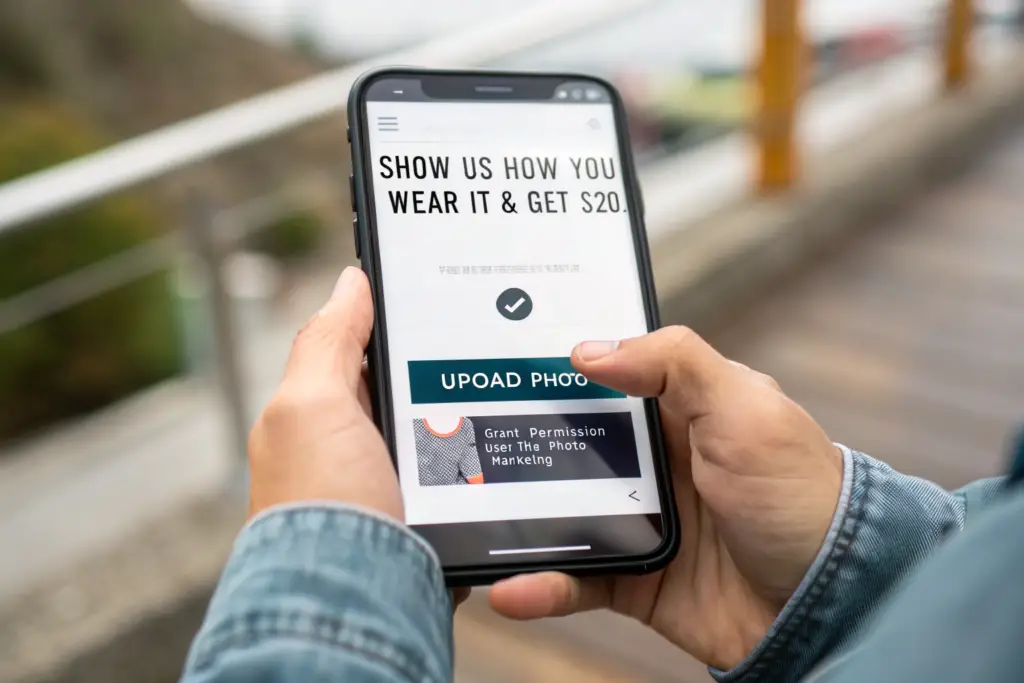
What Is the Exact Language for a UGC Rights Checkbox?
Do not bury the rights request in a long Terms of Service page. Put it right next to the “Submit” button.
Effective checkbox text:
“📸 Share my photo in marketing? I confirm I own this photo and grant [Brand Name] permission to use it on their website, emails, and social channels. (You can revoke this at any time by emailing us).”
This language is clear, concise, and includes a revocation path. The revocation path is important for building trust. It tells the customer you are not trying to trap them.
We had a client who used a vague “By submitting you agree to our Terms” line. A customer later demanded their photo be removed and threatened legal action because the terms were buried. The client had to manually scrub the photo from every location. Switching to the explicit checkbox eliminated this risk.
How Do You Handle UGC of Minors or Sensitive Locations?
This is a critical detail. A photo of a cute kid in your brand’s t-shirt is great. Using it commercially without a parent’s explicit consent is a legal minefield.
Your checkbox should include a clause: “I confirm that I am over 18 years old and have the authority to grant this permission.”
If you source a photo from Instagram featuring a child, you must obtain permission from the parent or guardian. If the photo is taken in a sensitive location (e.g., a school, a hospital), you need to consider the context and potential privacy implications.
I advise brands to avoid using UGC that features children prominently in the main marketing assets unless they have a signed model release from the parent. It is simply not worth the risk. Stick to adult customers.
How Do You Curate and Display UGC for Maximum Visual Cohesion?
You have 50 customer photos. You dump them all into a “Customer Gallery” page. They are different sizes. Different lighting. Some are blurry. The page looks like a chaotic garage sale. This does not build trust. This creates visual noise. High volume buyers and discerning customers expect a certain level of visual curation. The key is to apply a consistent “Brand Frame” to the UGC. This signals that you have editorial standards. It makes the UGC feel like part of your brand world, not a random photo dump.
Curating and displaying UGC for visual cohesion involves applying a “Consistent Container” to diverse content. The specific tactics include: (1) Uniform Aspect Ratio. Use a tool or manual cropping to ensure all UGC in a gallery displays as a square (1:1) or portrait (4:5) crop. This creates a clean grid. (2) Subtle Brand Overlay. Apply a very faint white border or a tiny logo bug in the corner of each UGC image. This visually ties the disparate images together. (3) Selective Curation. You do not have to display every photo. Curate for lighting and clarity. A dark, blurry photo does not help sell the product, even if it is authentic. (4) Contextual Integration. Place the UGC carousel directly on the Product Detail Page, not just a separate gallery. The goal is to show the customer “How it fits” at the exact moment they are considering “Add to Cart.”
At Shanghai Fumao, we see the best brands treating UGC as a premium asset class, giving it the same placement attention as their hero shots.

How Do You Use “UGC Plus Professional” Hybrid Layouts?
This is the most effective layout for apparel PDPs. You do not replace the professional shots. You supplement them with UGC.
The ideal PDP image sequence:
- Hero Shot: Professional model, front view.
- Detail Shot: Professional macro of fabric texture.
- UGC Grid: “Styled by You” – 4-6 customer photos.
- Back View: Professional model, back view.
- Video: Customer unboxing or try-on haul clip.
This sequence sells the dream first, then validates it with reality. The customer scrolls down. They see the professional fit. They scroll further. They see the real fit. They feel confident.
I analyzed the scroll depth on a client’s denim jacket page. The section with the UGC grid had the highest engagement of any section below the fold. People were pausing, zooming in, and studying the real bodies. This is the moment of purchase intent.
Should You Use UGC in Abandoned Cart Emails?
Absolutely. This is one of the highest-ROI placements for UGC.
An abandoned cart email is sent to someone who was this close to buying. What stopped them? Usually, fit anxiety or price hesitation.
A UGC image in the email serves as a final nudge of social proof.
Subject Line: “Still thinking about the [Product Name]? See how it fits real people 👀”
Email Body: A grid of three customer photos wearing the item, with a caption: “Here’s how the community is styling it.”
Button: “Complete My Order”
This works because it addresses the unspoken objection. It does not scream “SALE.” It whispers “Confidence.”
One of our brand clients implemented UGC in their abandoned cart flow. Their recovery rate increased by 11%. The UGC reminded the shopper that real people—people who looked like them—loved the item enough to post a photo. That validation was worth more than a 10% discount code.
How Do You Encourage More High-Quality UGC Submissions?
You want more UGC. You ask nicely. You get very little. You need to design the moment of submission. The highest intent moment is right after the customer receives the package and tries it on. That is when they are most excited. That is when they are most likely to take a photo. You must insert a clear, incentivized call-to-action into the post-purchase experience. The incentive does not have to be cash. It can be a discount on the next order, early access to a new collection, or simply the social currency of being featured on the brand’s page.
Encouraging high-quality UGC submissions requires designing a “Post-Purchase Engagement Loop.” The specific tactics include: (1) The Package Insert. Include a high-quality card with a simple, visual instruction: “1. Snap a pic. 2. Tag @YourBrand. 3. Get $15 off your next order.” Use a photo example on the card to show the desired aesthetic (e.g., “We love candid mirror selfies!”). (2) The “Photo Review” Email. Send an email 5-7 days after delivery. The subject line: “Your [Product Name] has arrived! Show us how you styled it 📸.” Make uploading a photo the primary call-to-action, offering an instant discount code upon submission. (3) Social Contests. Run a monthly “Fan of the Month” contest where the winner gets a large gift card and a spot on the homepage. This attracts higher-effort, more creative photography. (4) Highlight Aspirational UGC. When you feature a great photo, the customer who posted it feels like a celebrity. This social reward is often more motivating than a small discount.
At Shanghai Fumao, we tell our clients: “The garment is the product. The photo of the garment on the customer is the marketing asset. Make it easy for them to create the asset.”

What Makes a Good UGC Incentive Package Insert?
The package insert is a physical touchpoint. Do not waste it on a generic “Thank You” note.
Design it like a mini instruction manual for becoming a brand ambassador.
Front: A beautiful, aspirational UGC photo from an existing customer.
Inside: Three simple steps with icons.
- 📸 Snap: “Capture your fit. Natural light is best!”
- 🏷️ Tag: “@YourBrand #YourBrandStyle”
- 🎁 Claim: “Visit [Brand.com/Upload] to submit your photo and unlock a $20 credit.”
Make the value proposition immediate and clear. The customer opens the package, loves the item, sees the card, and thinks, “I can get $20 off my next order just for taking a selfie? Done.”
I have seen brands double their UGC submission rate simply by changing their package insert from a generic thank you card to this specific, instructional format.
How Do You Get UGC That Shows Fit Not Just Style?
Many UGC photos are artistic: the customer is twirling, the face is cropped out, the lighting is moody. This is great for brand vibes. It is bad for conversion.
You need UGC that answers fit questions. You need to explicitly ask for this.
In your email and package insert, use specific prompts:
- “Show us how the sleeve length hits your wrist.”
- “We love seeing how the pant breaks on your shoe.”
- “Snap a sitting-down selfie to show the comfort of the waistband.”
This educates the customer on what kind of photo is most helpful. It results in UGC that is a functional fit guide, not just a pretty picture.
One of our brand clients sells wide-leg trousers. They started prompting for “Sitting fit pics” in their review request emails. They received dozens of photos of customers sitting cross-legged or in desk chairs. These photos directly addressed the number one concern of the shopper: “Are these comfortable to sit in all day?” The UGC became a sales tool that no studio shot could replicate.
Conclusion
User Generated Content is the bridge between the fantasy of your brand photography and the reality of your customer’s life. It is the social proof that converts a hesitant browser into a confident buyer. We have seen that UGC outperforms professional imagery because it provides visual body doubling and reduces the anxiety of online sizing. We have learned to build a legally sound acquisition funnel with explicit opt-in checkboxes and clear terms. We have explored how to curate UGC with a consistent brand frame so it elevates the site rather than clutters it. And we have designed the post-purchase experience to actively solicit the specific type of UGC that drives sales.
At Shanghai Fumao, we believe that the best marketing asset is a garment that fits so well the customer wants to post a photo. Our job is to provide the consistent sizing and quality construction that earns that organic advocacy. We work with our brand partners to ensure that the product they receive is worthy of a selfie.
If you are looking to build a clothing line that generates its own marketing momentum through authentic customer love, it starts with the factory floor. We can help you develop a product with the fit and feel that inspires UGC.
To discuss how consistent manufacturing quality fuels your marketing engine, reach out to our Business Director, Elaine. She can walk you through our quality assurance process that minimizes returns and maximizes those five-star photo reviews.
Email: elaine@fumaoclothing.com