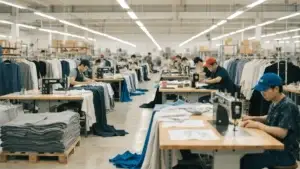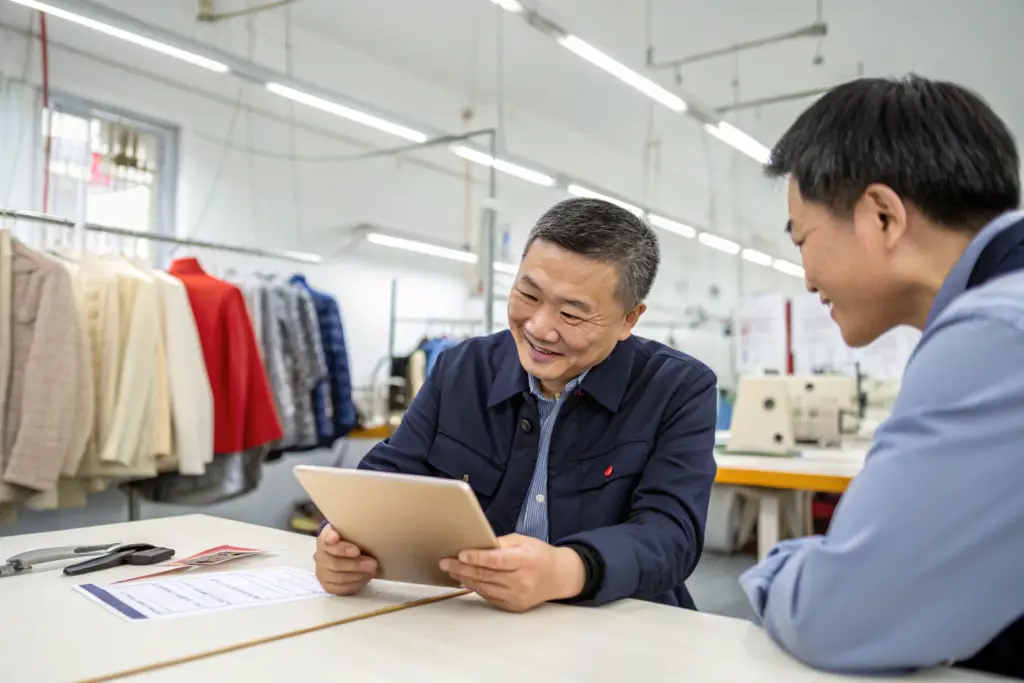
You have a sample developer. You send an email. You wait. You send another email. You wait. The sample is delayed. You send feedback. The developer does not understand. The next sample is wrong. You are frustrated. The developer is frustrated. I have seen this happen many times. The problem is not the developer. It is not you. It is the communication. Without a system, communication becomes chaos. Emails get lost. Feedback is vague. Timelines slip.
Based on our experience working with hundreds of brands, streamlining communication with your sample developer requires a structured system: a single point of contact, a shared timeline, clear feedback formats, and regular check-ins. For example, last year we worked with a brand from London. They were sending feedback via email, WhatsApp, and phone calls. Information was scattered. Samples were delayed. We implemented a shared project management system. All communication went through one channel. Feedback was documented in a standard format. The client knew the status of every sample. The development time was cut by 40%. That is the power of streamlined communication.
So, how do you streamline communication with your sample developer? Let me break it down. I will show you how to establish a single point of contact. I will explain how to use shared tools. I will give you a format for clear feedback. And I will discuss how to set up regular check-ins.
How Do You Establish a Single Point of Contact?
Multiple contacts create confusion. I remember a client from New York. They emailed the pattern maker, the sample sewer, and the sales manager. Each person had different information. The sample was delayed.
Establish a single point of contact for all sample communication. This person is your sample coordinator. They receive your tech pack. They schedule the sample. They update you on status. They receive your feedback. For the New York client, we now assign a sample coordinator to every account. The client communicates only with the coordinator. The coordinator communicates with the pattern maker, sample sewer, and production team. For woven shirts, the coordinator ensures that the collar and placket specifications are clear. For knits, they confirm the neckband width. For denim, they verify the wash requirements. A single point of contact eliminates confusion. Everyone has the same information.

Who Should Be Your Single Point of Contact?
Your single point of contact should be:
- A sample coordinator or project manager
- Someone who understands both design and production
- Someone who responds quickly
- Someone who documents everything
For a sportswear client, the sample coordinator was a former pattern maker. She understood the technical details. Communication was fast and accurate.
What Information Should the Coordinator Track?
The coordinator should track:
- Tech pack status (received, reviewed)
- Pattern making status (started, completed)
- Sample sewing status (in progress, completed)
- Shipping status (tracking number)
- Feedback status (received, implemented)
For a denim client, the coordinator tracked wash samples separately. The client knew the status of each wash iteration.
Email is not enough. I remember a client from Chicago. They sent feedback via email. The email was buried. The pattern maker did not see it. The sample was wrong.
Use shared tools for communication. Project management tools like Asana, Trello, or Monday.com allow you to track samples, share files, and document feedback. For the Chicago client, we started using Asana. Each sample had a task. The client could see the status. They uploaded feedback. The pattern maker saw it immediately. For woven shirts, the tool stored the tech pack, the flat sketches, and the spec sheet. For knits, it stored the fabric information. For denim, it stored the wash standards. Shared tools create a single source of truth. Everyone works from the same information.
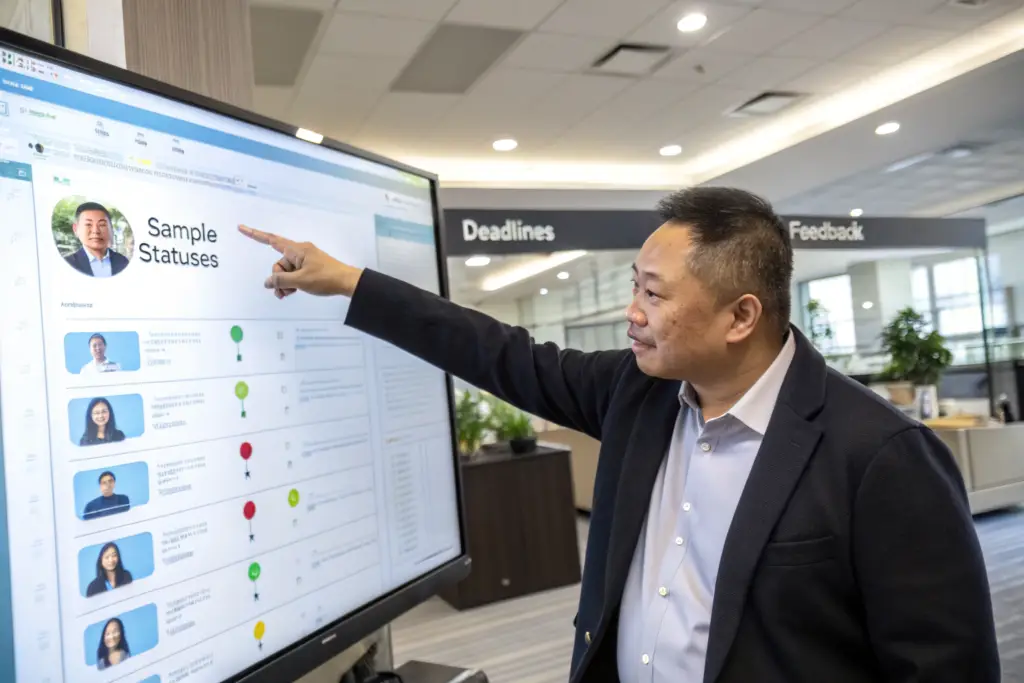
What Tools Are Best for Sample Communication?
Recommended tools:
- Asana: for task management and timelines
- Trello: for visual tracking of sample stages
- Monday.com: for comprehensive project management
- Google Drive: for file storage
- Dropbox: for large files
- WhatsApp: for quick questions (not for formal feedback)
For a sportswear client, they used Asana for tracking and WhatsApp for urgent questions. The system worked well.
Organize files by:
- Style name
- Sample round (Round 1, Round 2, etc.)
- File type (tech pack, photos, fit notes)
- Date
For a denim client, the folder structure was: Style Name > Round 1 > Tech Pack, Photos, Fit Notes. Everyone could find what they needed.
How Do You Give Clear, Actionable Feedback?
Vague feedback leads to vague results. I remember a client from Boston. They wrote "the sleeves are too long." The pattern maker shortened them by 0.5 inches. The client meant 1 inch. The second sample was still wrong.
Use a standard format for feedback. Include the location, the issue, the desired change, and the amount. Use photos with arrows. For the Boston client, we now use a fit note template. The client writes: "At the sleeve hem, shorten by 1 inch." For woven shirts, feedback might be: "At the collar stand, reduce height by 0.25 inches." For knits: "At the neckband, reduce width by 0.25 inches." For denim: "At the front rise, add 0.5 inches." Clear feedback gets implemented correctly. The next sample is right.
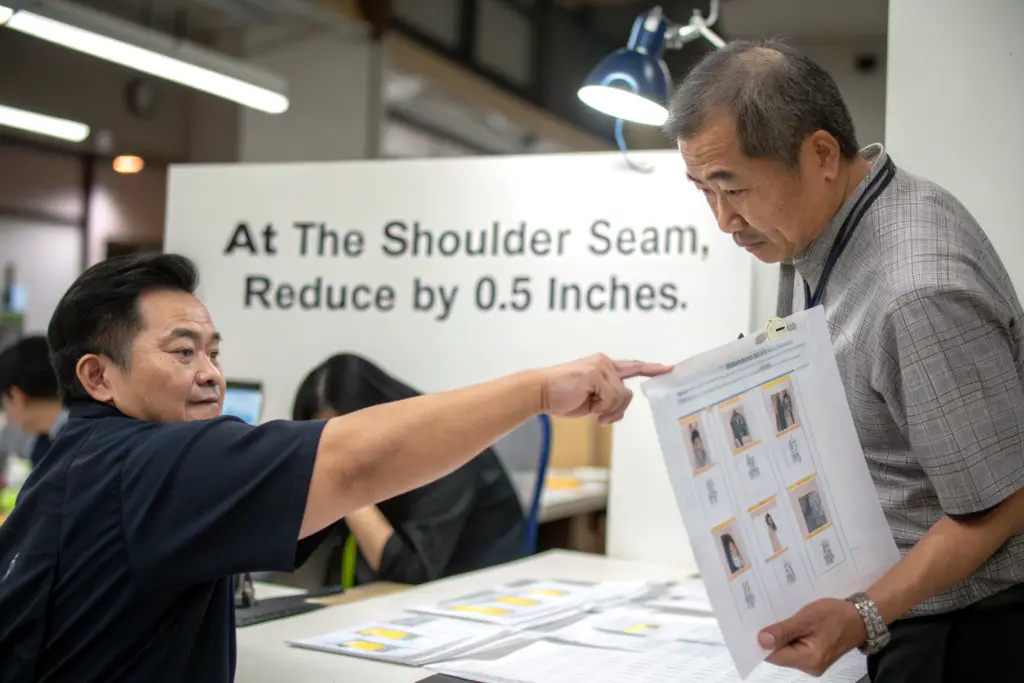
What Is the Format for Clear Feedback?
The format is:
- Location (e.g., shoulder seam, chest, waist)
- Issue (e.g., too wide, too tight, too long)
- Desired change (e.g., reduce, let out, shorten)
- Amount (e.g., 0.5 inches, 1 inch)
For a sportswear client, a clear feedback was: "At the chest, add 0.5 inches total at the side seams. The chest is too tight."
How Do You Use Visuals in Feedback?
Take a photo of the sample. Mark the photo with an arrow pointing to the issue. Add a note with the instruction. For a denim client, they took a photo of the back rise. They drew an arrow pointing down. They wrote: "Add 0.5 inches to the back rise." The pattern maker understood exactly.
How Do You Set Up Regular Check-Ins?
Waiting for updates is frustrating. I remember a client from Seattle. They did not know when the sample would be ready. They emailed. No response. They called. No answer. They were in the dark.
Set up regular check-ins. Schedule a weekly call or video meeting. Review the status of each sample. Discuss any issues. For the Seattle client, we now have a weekly check-in. Every Tuesday, we review the sample status. The client knows what is happening. For woven shirts, we review the collar and placket details. For knits, we review the neckband and hem. For denim, we review the wash samples. Regular check-ins prevent surprises. Issues are caught early. The sample process stays on track.

How Often Should You Check In?
Check-in frequency depends on the sample stage:
- During pattern making: weekly
- During sample sewing: twice a week
- During fit review: as needed
- During revisions: as needed
For a fast fashion client, they checked in daily. The timeline was tight. For a premium brand, they checked in weekly. The development time was longer.
What Should You Discuss in Check-Ins?
Discuss:
- Status of each sample (pattern, sewing, shipping)
- Any issues or delays
- Upcoming deadlines
- Feedback on recent samples
- Questions from either side
For a denim client, the check-in included reviewing photos of wash samples. The client approved the wash remotely.
Conclusion
Streamlining communication with your sample developer requires a structured system. Establish a single point of contact. Use shared tools for tracking and files. Give clear, actionable feedback with a standard format. Set up regular check-ins. With these systems, communication becomes efficient. Samples are delivered faster. Quality improves. Frustration decreases.
At Shanghai Fumao, we have a streamlined communication system. We assign a sample coordinator to every account. We use project management tools. We have a fit note template. We hold weekly check-ins. We make communication easy for our clients.
Let us streamline your sample communication. Contact our Business Director, Elaine, directly at elaine@fumaoclothing.com. Ask about our sample process. We will show you how we make communication simple.